dalEight
dalEight is a native macOS FT8 app for Apple Silicon Macs. It is built for operators who want a clear, Mac-like station console for listening, making contacts, logging, and sharing reports without having to learn how the software works inside.
The goal is simple: easy for a new FT8 operator to start using, and still useful for an experienced operator who wants precise radio, audio, timing, and diagnostic detail close at hand.
Current Status
dalEight is in active beta. It is ready for supervised live FT8 operation with real receive signals and safety-gated transmission.
You can use the current app to:
- Listen to FT8 activity on standard bands.
- Decode common FT8 messages, including CQ calls, grids, signal reports, and contact-completion messages.
- Select a decoded station and follow a guided contact flow.
- Transmit CQ and standard QSO messages when all safety checks pass.
- Stop transmission with Emergency Stop.
- Manually log completed contacts.
- Import logged contacts from WSJT-X-compatible messages.
- Export contacts as ADIF.
- Optionally send decoded spots to PSK Reporter.
- Optionally show PSK Reporter path status for your station.
- Send private beta bug reports with your chosen diagnostics level.
The app is still being qualified. Use low power for early checks, confirm your radio setup, and get independent receive confirmation before relying on the transmit path for routine operation.
Requirements
- Apple Silicon Mac.
- macOS 14 or newer.
- Amateur radio license and callsign appropriate for your operation.
- FT8-capable radio and audio interface, either direct to your Mac’s audio ports or through a DigiRig-like USB audio interface.
- Computer-aided transceiver control (CAT) for supported transmit switching and telemetry, either direct USB or through a DigiRig-like interface.
- Accurate system clock, automatic set (NTP) supported is ideal.
- Dummy load or clear frequency for first transmit checks.
The strongest current hardware evidence is for a Xiegu G90 with a DigiRig-style interface. Other Hamlib-supported radios, DigiRig-like serial adapters, and audio devices should be fine, but treated as new beta setups until you have verified them.
At the moment, there is no single index of known-working hardware configurations. Simply try it and report a bug if it doesn’t work for you.
First Run
- Connect the radio and audio interface.
- Open dalEight.
- In Settings > Station, enter your callsign and grid.
- In Settings > Radio and audio, choose the radio model, serial device, receive input, and transmit output.
- Confirm the Mac clock is inside the FT8 timing tolerance shown by the app.
- Start by receiving only. Watch the waterfall, decoded messages, and audio level before trying to transmit.
- Use a dummy load or clear frequency for your first transmit checks.
dalEight keeps live operating state and safety actions visible in the main window. Detailed settings and diagnostics are available, but they do not need to be the first thing a new operator learns.
Transmit Safety
Transmission is available only after you explicitly start it and every required safety check passes.
dalEight blocks transmit when something important is missing or stale, including station identity, transmit audio output, radio health, radio telemetry, clock tolerance, transmit calibration, or radio transmit-switch agreement.
The app also checks FT8 slot timing before each transmission. If the full packet will not fit inside the remaining UTC slot time, dalEight skips that slot instead of sending a partial message.
Use Emergency Stop whenever the radio state, audio path, frequency, or contact flow does not look right.
PSK Reporter
PSK Reporter features are optional.
When spot reporting is enabled, dalEight can report decoded stations using your station information and the current operating context. The app shows service state so you can tell whether reports are queued, sent, or blocked by network or configuration issues.
Path status is also optional. When enabled, dalEight can show recent evidence that your transmitted signal is being heard, and it keeps that evidence tied to current station activity instead of treating it as a permanent badge.
Leave these features off if you do not want dalEight to exchange information with PSK Reporter.
Diagnostics and Bug Reports
Beta builds ask for diagnostics consent at startup. Anonymous diagnostics avoid operator and station identifiers. An advanced opt-in can add station, radio, serial-device, and selected audio-device details when you want a more useful technical report.
Bug reports are private. You can include optional contact information when you want follow-up, but it is not required.
Beta Testing
For a practical operator checklist, see the live operating and beta testing guide. It covers installation, station setup, radio and audio behavior, receive decoding, transmit operation, logging, PSK Reporter, diagnostics, validation captures, accessibility, longer receive sessions, real-world operating pressure, and stop conditions.
Good beta reports include:
- Mac model and macOS version.
- Radio, interface, and serial adapter.
- Band, frequency, power level, and antenna or dummy-load setup.
- What you expected to happen.
- What actually happened.
- Any app message, screenshot, or exported diagnostic report that helps explain the issue.
Stop testing and report the problem if the radio remains keyed unexpectedly, audio routes to the wrong device, transmit starts without the expected operator action, timing looks wrong, or the app gives unclear safety guidance.
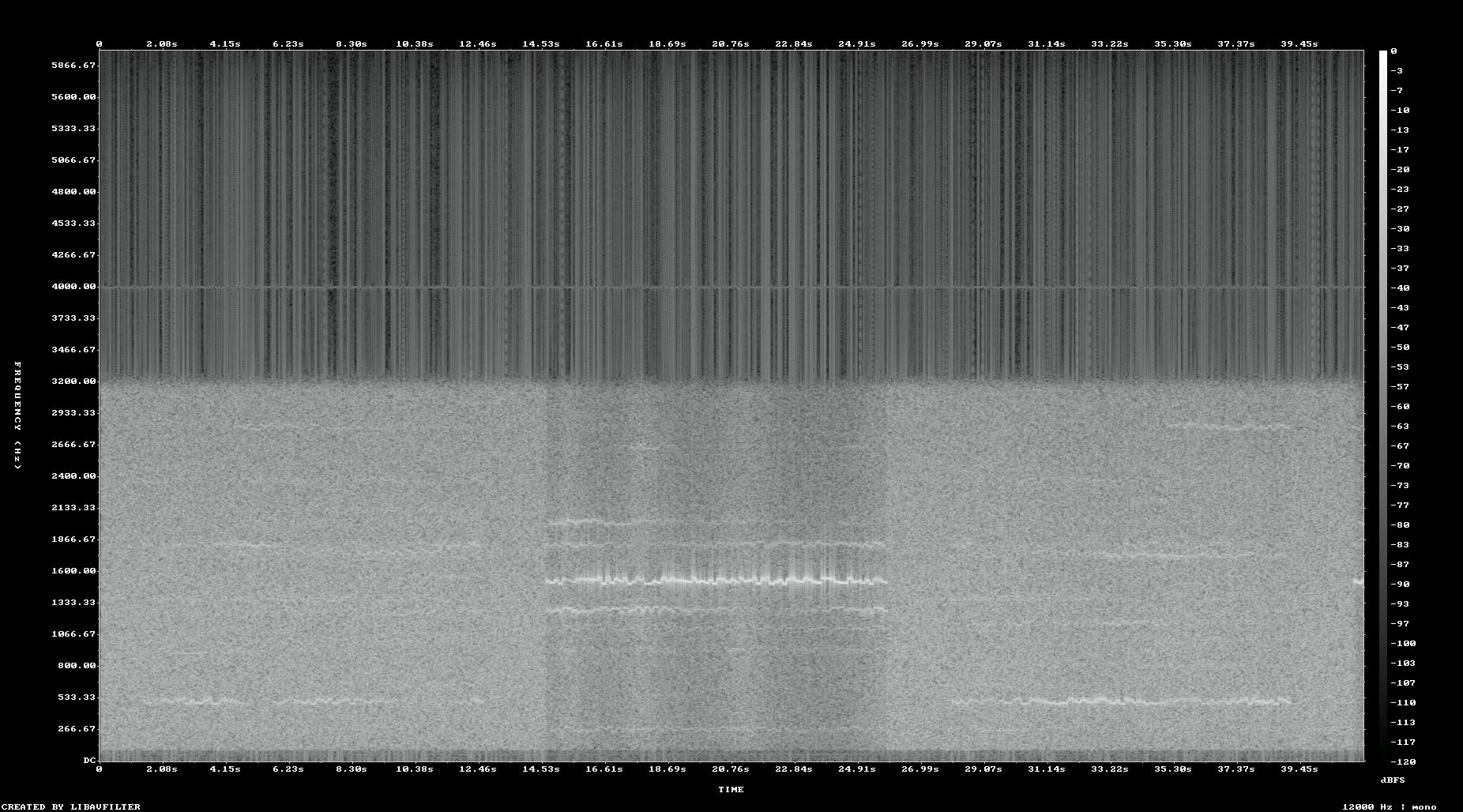
(This is a signal capture taken during development, not an actual screenshot!)